Macromedia Extensions
Change Mouse Cursor in CSS Extensions
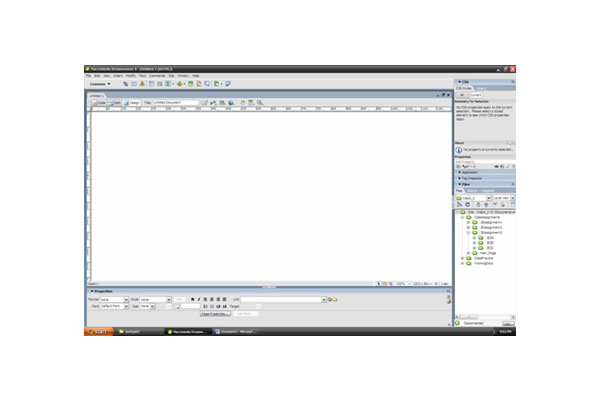 |
Go to CSS style. Hit "All" tab. Hit plus sign.
|
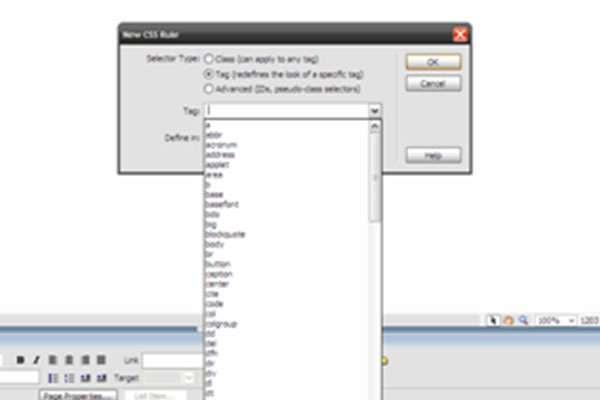 |
Select tag style. Hit define this page.
|
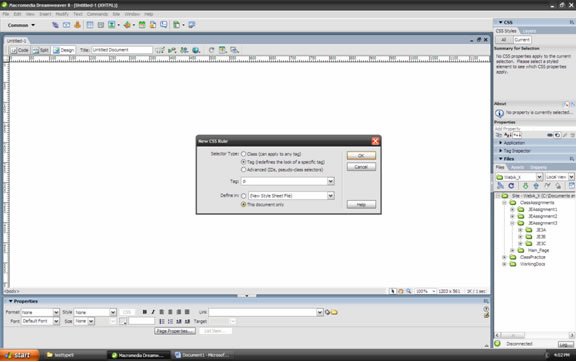 |
Hit OK button.
|
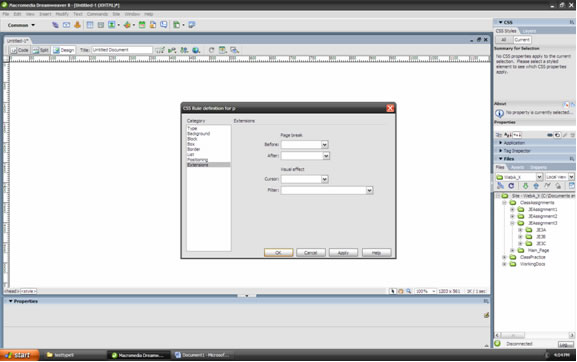 |
Highlight extensions. Then go to Visual effects.
|
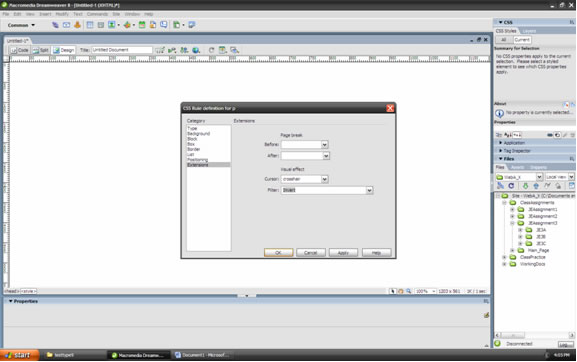 |
Select for cursor "crosshair". Then select for filter "invert".
|
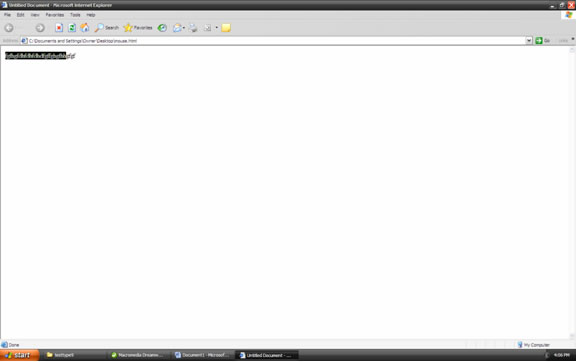 |
Preview in web browser and put the mouse close to the text to see it change to a different design. |
An example of this extension was used to create a preview to show how the mouse arrow changes from one form to another form that was selected from the extension selection.